Quick Answer
Document verification software is technology that automatically checks whether an official document is genuine, unaltered and belongs to the person submitting it. It uses OCR and AI to extract data, detect forgery signs and confirm authenticity in seconds instead of the hours a manual check would take.
Introduction
Every day organizations ask people to prove who they are. A university needs a transcript. A bank needs a passport. An HR team needs a previous employer’s letter. For a long time this meant a human staring at a scanned copy and making a judgment call. That approach does not hold up anymore.
Digital onboarding has grown fast, and so has document fraud along with it. At ZeoVerify we work with organizations that process hundreds of documents a day and simply cannot afford to check each one by eye. Manual document verification is no longer sufficient for organizations handling high volumes of customer or student onboarding. This guide covers what document verification software actually does, why it matters, and how to choose the right one for your organization.
TL;DR
- Document verification software checks the authenticity of official documents using OCR and AI
- Manual checks are slow, inconsistent and do not scale with growing onboarding volumes
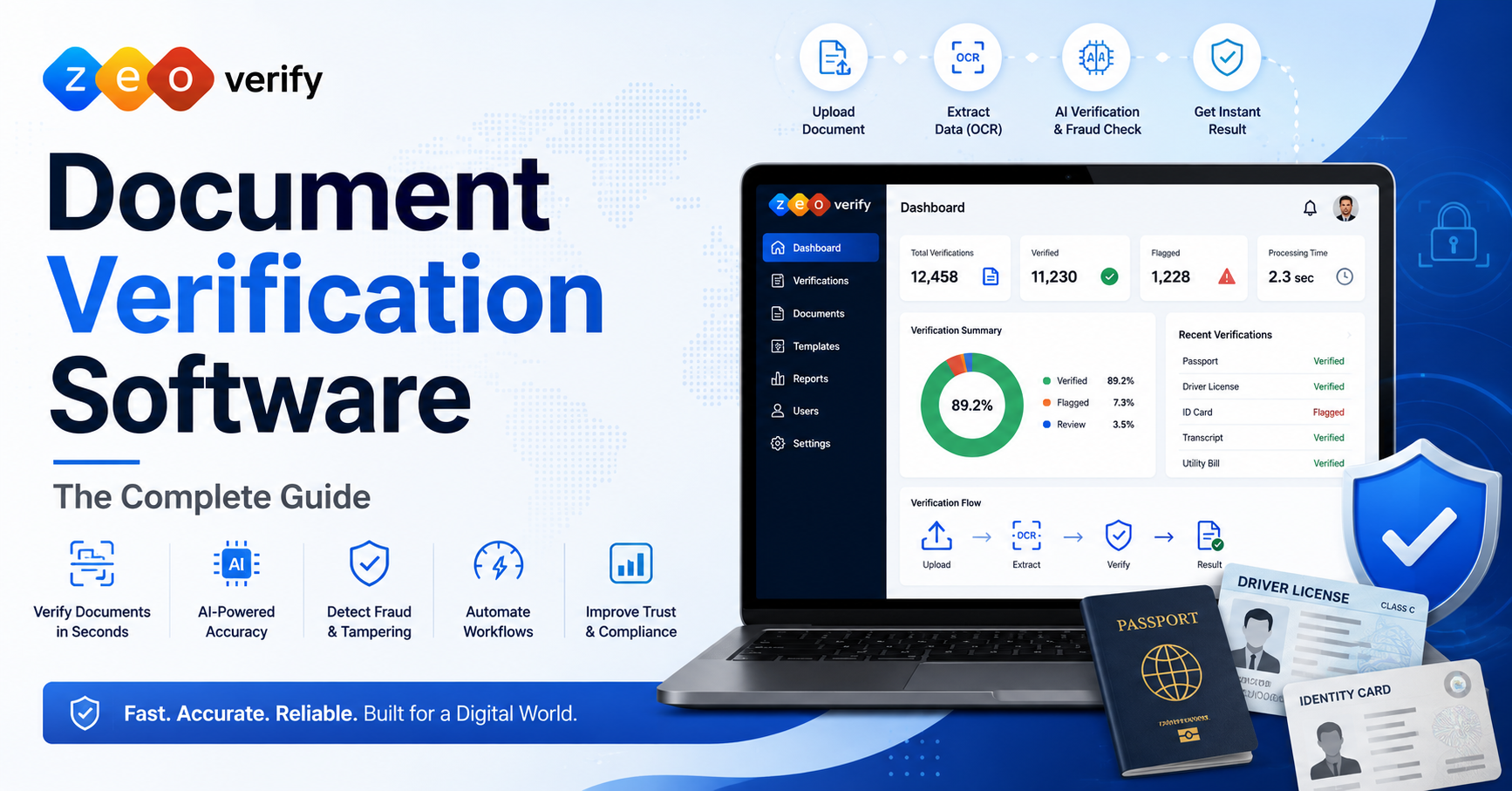
- The software works through upload, quality checks, data extraction, authenticity checks and a final result
- Universities, banks, insurers, HR teams and government agencies all rely on this technology
- Choosing the right software depends on your document types, compliance needs and integration options
What Is Document Verification Software?
Document verification software is a system that automatically reviews official documents such as passports, ID cards or academic certificates to confirm they are real, unaltered and belong to the person presenting them.
Definition
At its core this is technology built to replace or support the human eye. It reads a document, checks its structure against known formats and flags anything that looks tampered with or fake.
Why Organizations Need It
Any business or institution that onboards people at scale needs a fast and reliable way to confirm identity documents. Doing this manually simply does not scale once volume grows past a small team’s capacity.
Document Verification vs Manual Verification (Brief Overview)
Manual verification relies on a trained person recognizing fonts, security features and formatting by eye. Document validation software does the same job using pattern recognition and data cross checks, at a fraction of the time and with far more consistency.
Why Document Verification Matters
Document checks are not just a formality. They protect the organization and the people it serves.
Rising Identity Fraud
Fraudsters are getting better at producing convincing fake documents, and manual review often cannot keep up with the sophistication of modern forgeries.
Digital Customer Onboarding
More onboarding now happens entirely online, which means there is no in person moment to physically inspect a document.
Regulatory Compliance
Industries like banking and insurance are legally required to verify identity documents as part of KYC and AML obligations.
Customer Trust
A verification process that is fast and accurate signals to customers and students that the organization takes their security seriously.
Why Manual Document Verification Is No Longer Enough
Manual checks were fine when volumes were low. They are not fine anymore.
Human Errors
Even experienced staff miss subtle signs of forgery, especially when reviewing dozens of documents in a single shift.
Slow Processing
A manual review can take several minutes per document. That adds up quickly once volume increases.
High Operational Costs
Hiring and training staff purely for document review is expensive and does not scale efficiently.
Scalability Challenges
A team that can handle fifty documents a day cannot suddenly handle five hundred without a proportional increase in headcount.
Inconsistent Verification
Different reviewers apply different standards, which leads to uneven decisions across the same organization.
| Factor | Manual Verification | Automated Verification |
|---|---|---|
| Speed | Minutes per document | Seconds per document |
| Consistency | Varies by reviewer | Same standard every time |
| Cost at scale | Increases with volume | Stays largely fixed |
| Fraud detection | Limited to visible cues | Pattern and data based checks |
| Availability | Business hours only | Available around the clock |
How Document Verification Software Works
The process is simpler than most people expect, even though the technology behind it is sophisticated.
Document Upload
The user submits a photo or scan of their document through a web form, app or API integration.
Image Quality Checks
The system checks that the image is clear enough to read, flagging blurry or cropped uploads before they cause errors later.
OCR Data Extraction
Optical character recognition pulls the text and key fields directly from the document, such as name, date of birth and document number.
AI Based Authenticity Checks
AI models compare the document against known formats and security features to spot signs of tampering or fabrication.
Fraud Detection
The system cross checks extracted data against expected patterns and flags inconsistencies that a human eye might miss.
Verification Result
Within seconds the system returns a pass, fail or manual review flag, along with the extracted data ready for use.
Types of Documents That Can Be Verified
Modern platforms are not limited to a single document type. Common examples include:
- Passports
- Driver’s licenses
- National ID cards
- Student certificates
- Academic transcripts
- Utility bills
- Bank statements
- Employment documents
Industries That Use Document Verification Software
Document checks matter across almost every sector that deals with people directly.
- Universities and higher education verifying transcripts and certificates during admissions
- Immigration and study abroad consultancies confirming passports and academic records
- Banking and financial services meeting KYC requirements during account opening
- Insurance validating claims and policyholder identity
- Healthcare confirming patient identity and provider credentials
- Human resources checking employment history and qualifications
- Government agencies processing applications and benefits
- Online marketplaces verifying seller and buyer identity
Key Features of Modern Document Verification Software
Not every platform offers the same depth. Here is what a strong solution should include.
| Feature | What It Does |
|---|---|
| OCR technology | Extracts text and data fields from documents |
| AI based verification | Detects tampering and forged content |
| Fraud detection | Flags suspicious patterns across submissions |
| Liveness detection | Confirms a real person is present during capture |
| Real time verification | Returns results in seconds, not hours |
| Multi document support | Handles passports, IDs, certificates and more |
| API integrations | Connects with existing systems and workflows |
| Audit logs | Keeps a record of every verification for review |
| Compliance features | Supports KYC, AML and regional regulations |
| Dashboard and reporting | Gives teams visibility into verification activity |
Benefits of Document Verification Software
Automating this process delivers measurable improvements across the organization.
- Faster verification that takes seconds instead of minutes or hours
- Reduced fraud through consistent, pattern based detection
- Better compliance with KYC, AML and industry specific regulations
- Improved customer experience thanks to quick onboarding
- Lower operational costs by reducing manual review staffing
- Higher accuracy compared to manual eyeballing
- Scalability that supports growth without adding proportional headcount
AI and OCR in Document Verification
These two technologies work together to make automated verification possible.
What OCR Does
OCR reads the text on a document and converts it into usable data, pulling out names, numbers and dates automatically.
How AI Improves Accuracy
AI goes further by learning what genuine documents look like and identifying subtle inconsistencies that indicate tampering or forgery.
Why They Work Together
OCR handles the reading. AI handles the judgment. Together they turn a static image into a verified, structured and trustworthy result.
Common Document Verification Challenges
Even good software runs into a few recurring issues worth planning for.
| Challenge | Practical Solution |
|---|---|
| Poor image quality | Built in quality checks that reject unusable uploads |
| Fake documents | AI models trained on known forgery patterns |
| Different document formats | Support for multiple countries and document types |
| Regulatory requirements | Configurable compliance rules by region |
| User experience issues | Simple upload flows with clear error messages |
How to Choose the Right Document Verification Software
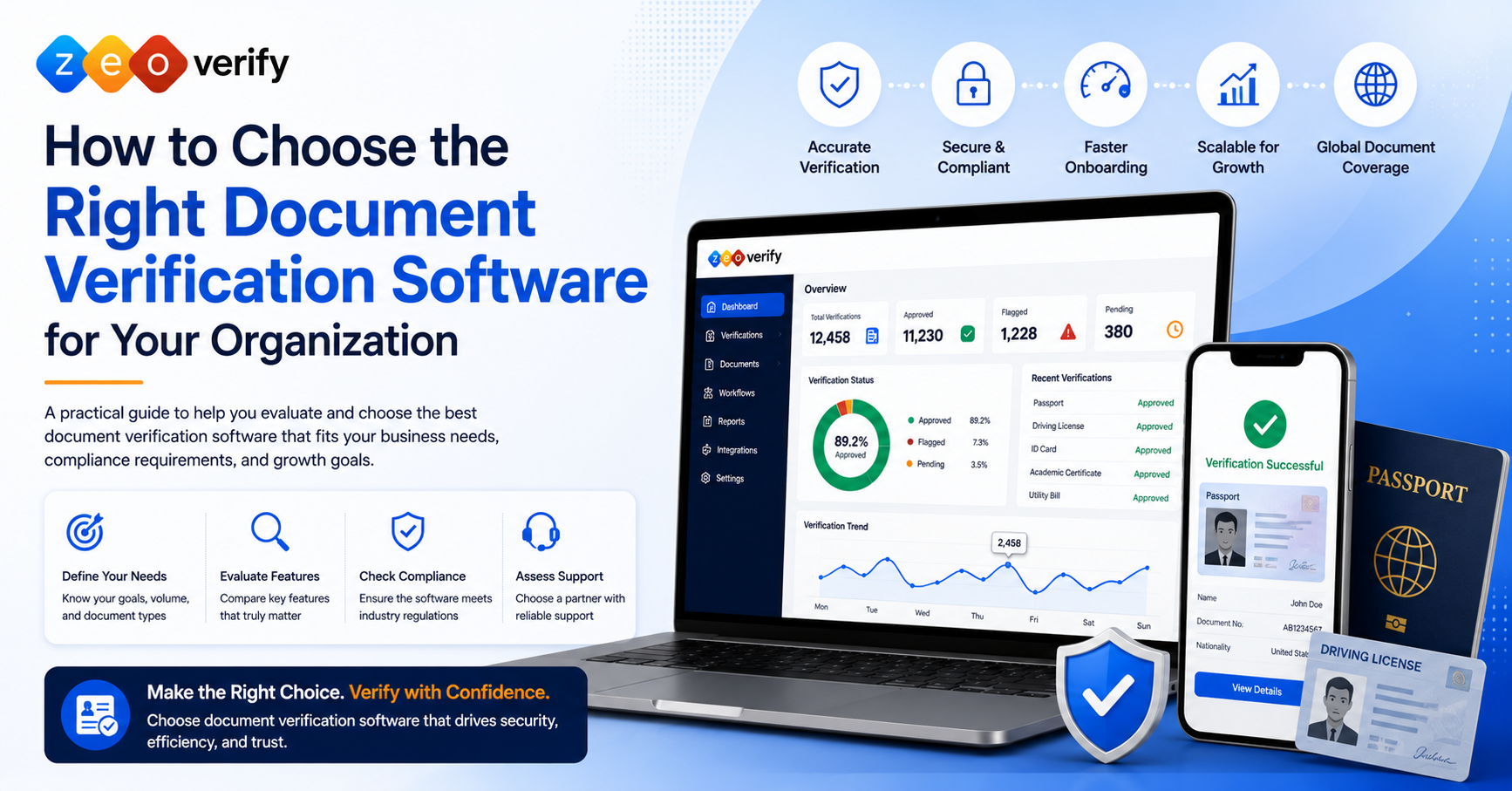
Finding the best document authenticity verification software for your organization comes down to matching the tool to your actual needs.
Business Requirements
Start with what you actually need to verify and how many documents you process each month.
Essential Features
Confirm OCR, AI based checks, fraud detection and reporting are all included as standard, not add ons.
Scalability
Make sure the platform can grow with your onboarding volume without needing a full switch later.
Integration Options
Check that it connects easily with your existing website, app or internal systems through an API.
Compliance Standards
Verify the software supports the regulations relevant to your industry and region, such as KYC or AML.
Vendor Support
Look for a provider that offers real support during setup and ongoing use, not just documentation.
Pricing Considerations
Compare what is included at each pricing tier rather than focusing on the lowest number alone.
Best Practices for Successful Implementation
- Start with clear objectives so the team knows exactly what success looks like
- Train internal teams on how the system works and when manual review is still needed
- Test verification workflows with real sample documents before going live
- Monitor performance regularly to catch any drop in accuracy early
- Review compliance regularly as regulations and document formats change over time
Future Trends in Document Verification
The technology behind this space keeps moving forward. A few trends worth watching:
- AI powered fraud detection that gets better at catching new forgery techniques over time
- Passive verification that checks documents in the background without extra steps for the user
- Biometric integration combining document checks with facial recognition for stronger identity confirmation
- Continuous identity verification that checks identity at multiple points, not just once at signup
- Global compliance standards that make cross border verification simpler for international organizations
Conclusion
Document verification is no longer something an organization can handle with a quick glance and a rubber stamp. Between rising fraud, growing onboarding volumes and tightening compliance requirements, manual checks simply cannot keep pace anymore. Document checking software built on OCR and AI gives organizations a faster, more consistent and more secure way to confirm that a document is exactly what it claims to be.
This is exactly the problem we built ZeoVerify to solve. Our platform is designed to help universities, financial institutions and consultancies verify documents accurately without slowing down the people they serve. If your organization is still relying on manual checks, it is worth seeing what automated verification can do for your onboarding process. Request a demo of ZeoVerify and see how much faster and safer document verification can be.
Frequently Asked Questions
What is document verification software?
It is technology that automatically checks whether an official document is genuine and belongs to the person submitting it.
How does document verification software work?
It uploads the document, checks image quality, extracts data using OCR, and runs AI based authenticity checks before returning a result.
Why is document verification important?
It protects organizations from fraud, supports regulatory compliance and speeds up onboarding for customers and students.
What documents can be verified?
Passports, driver’s licenses, national ID cards, academic certificates, transcripts, utility bills, bank statements and employment documents.
What industries use document verification software?
Universities, banks, insurance companies, healthcare providers, HR teams, government agencies and online marketplaces all use it.
What is the difference between document verification and identity verification?
Document verification checks whether a document is authentic, while identity verification confirms the document belongs to the specific person presenting it, often using biometrics.
How does OCR help with document verification?
OCR extracts text and data fields from a document so the system can compare and validate that information automatically.
How does AI improve document verification?
AI identifies subtle signs of tampering or forgery that would be difficult for a human reviewer to catch consistently.
Is document verification software accurate?
Modern platforms combining OCR and AI are generally far more accurate and consistent than manual review.
Can document verification detect fake documents?
Yes, AI models trained on known forgery patterns can flag documents that show signs of tampering or fabrication.
What compliance standards should document verification software support?
Look for support of KYC, AML and any regional data protection regulations relevant to your industry.
Is cloud based document verification secure?
Reputable providers use encryption and strict access controls, but it is worth confirming security practices before choosing a vendor.
How long does document verification take?
Automated verification typically takes just a few seconds per document, compared to minutes or hours for manual review.
What are the benefits of automated document verification?
Faster processing, reduced fraud, better compliance, lower operational costs and a smoother experience for the end user.
What features should I look for in document verification software?
OCR, AI based checks, fraud detection, real time results, API integrations, audit logs and compliance support at minimum.
Can document verification software integrate with existing systems?
Yes, most modern platforms offer APIs that connect with websites, apps and internal onboarding systems.
How much does document verification software cost?
Pricing varies by volume and features, so it is worth comparing what is included at each tier rather than the headline price.
What are common implementation challenges?
Poor image quality, varied document formats and regulatory requirements are the most common hurdles during rollout.
How do I choose the best document verification software?
Match the software to your document types, compliance needs, integration requirements and expected volume before comparing vendors.
Which organizations benefit most from document verification software?
Any organization handling high volumes of onboarding, such as universities, banks, insurers and consultancies, sees the biggest impact.