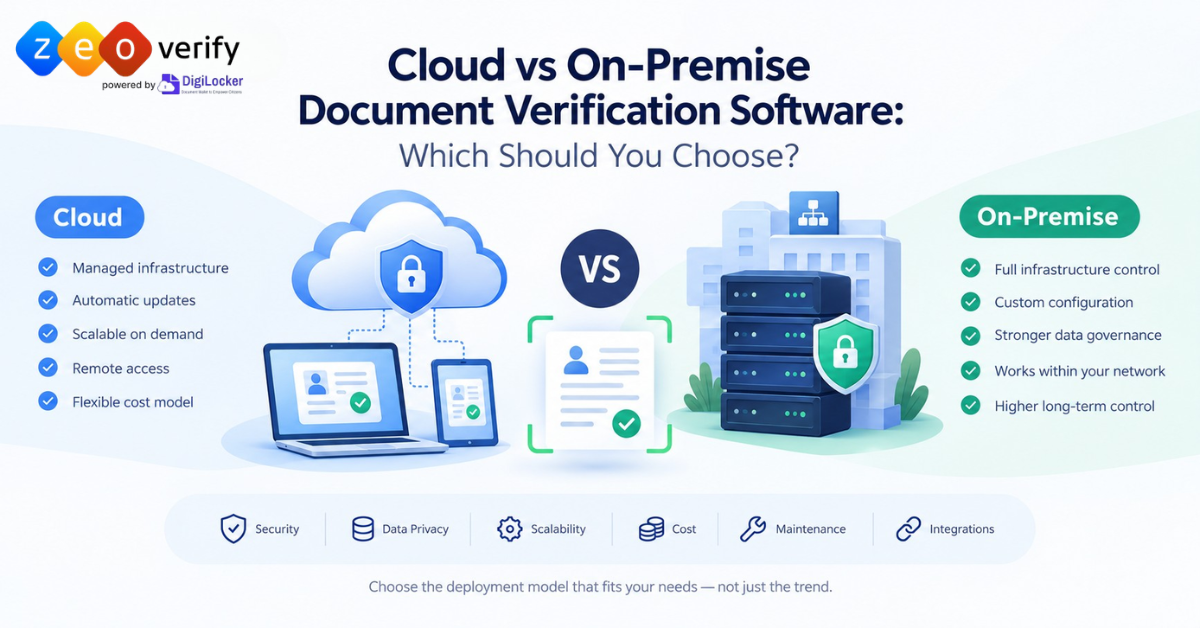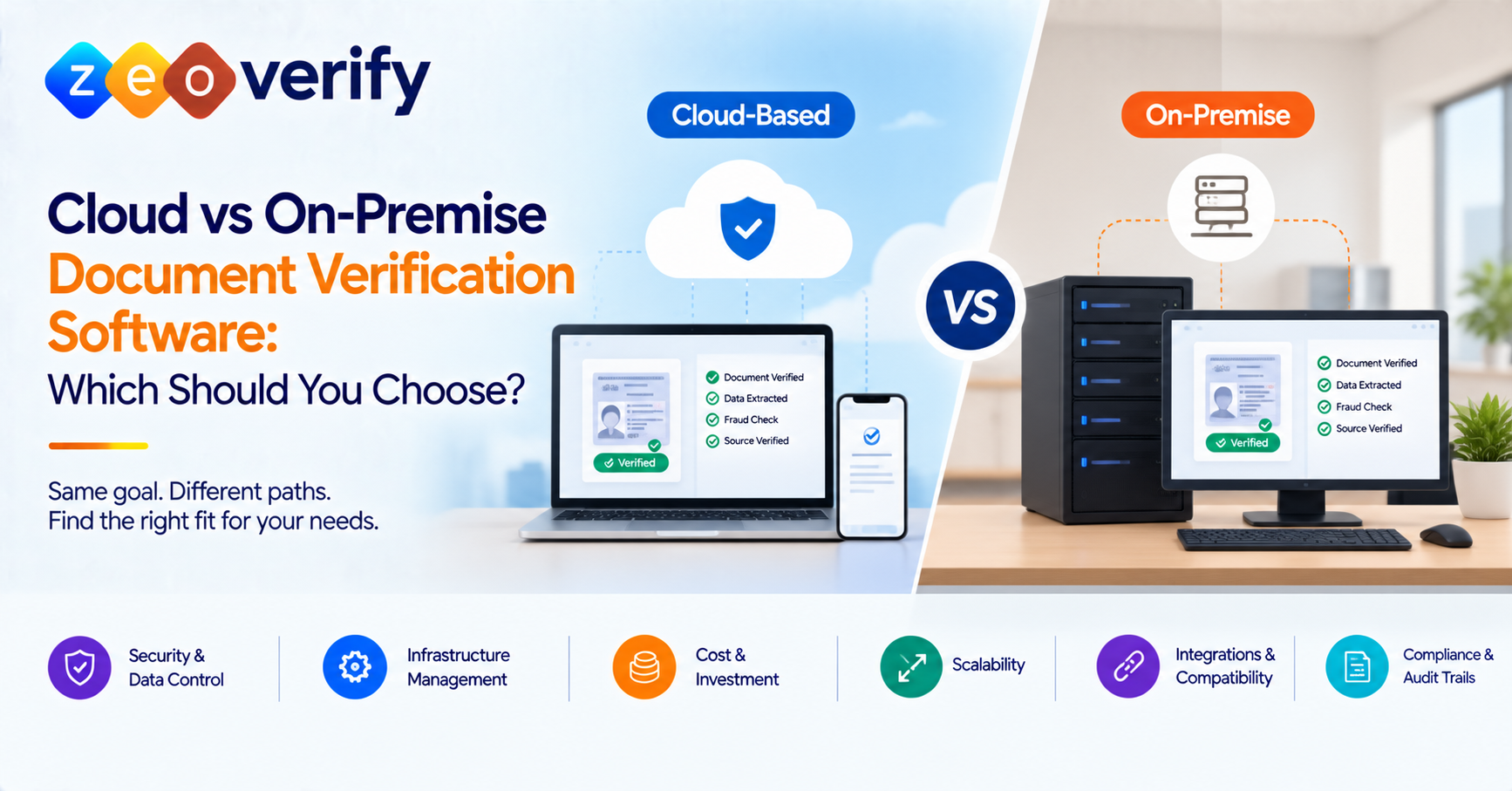
Cloud-based document verification software runs in a provider-hosted environment, with infrastructure duties split between the provider and the customer depending on the service model. On-premise software runs on infrastructure your organisation controls. Neither is universally better. The right choice depends on your security and governance requirements, IT resources, integrations, costs and how your verification volumes change over time.
Introduction
Before choosing a document verification platform, most organisations face a basic question. Do you use a system hosted by a provider, or deploy software inside infrastructure you control? For universities, embassies and consultants handling academic records, identity documents and application paperwork, the answer affects security, data handling, cost and daily operations.
This guide compares the two models in practical terms. It covers where documents are processed, who is responsible for what, how costs behave and how to decide. For the broader category, see our [document verification software guide].
What Is the Difference Between Cloud-Based and On-Premise Document Verification Software?
Cloud-based software is accessed through a provider-hosted environment. The provider typically manages the underlying infrastructure and often handles updates, while your team manages users, access and configuration. On-premise software is installed on infrastructure controlled by your organisation or a designated operator. Your team usually carries more of the work around hosting, maintenance and access controls.
Where documents are processed, how long they are stored and whether data leaves your environment depend on the specific product and how it is configured. Private cloud and hybrid models also exist where vendors support them.
| Factor | Cloud-based software | On-premise software |
|---|---|---|
| Deployment | Hosted cloud environment | Organisation-controlled infrastructure |
| Infrastructure management | Provider or shared responsibility | Mainly the organisation or its operator |
| Initial investment | May need less infrastructure spend | May need hardware, setup and licensing |
| Ongoing costs | Subscription, usage and service fees | Maintenance, staffing, infrastructure and licences |
| Updates | Often provider-managed | Managed internally or through vendor support |
| Scalability | May allow capacity changes through the provider | Depends on installed capacity and planning |
| Data control | Depends on provider controls, contracts and configuration | More direct control over the hosting environment |
| Security responsibility | Shared between provider and customer | Mainly customer-managed |
| Integrations | Depends on available APIs and connectors | Depends on compatibility with internal systems |
| Internal IT needs | May reduce infrastructure work | Usually more infrastructure administration |
This table shows typical patterns rather than guaranteed outcomes. Cloud does not mean the provider handles every security duty, and on-premise does not mean you control every data flow.
How Does Cloud-Based Document Verification Software Work?
The flow usually looks like this:
- An authorised user opens the platform or an integrated system.
- Documents are submitted through the configured workflow.
- The software processes them using the provider’s verification capabilities.
- Results and records go to authorised users or connected systems.
- Hosting, maintenance and updates follow the provider’s service model.
Not every cloud product stores submitted documents permanently or uses the same architecture. Processing location, storage duration and access arrangements should always be confirmed with the provider.
How Does On-Premise Document Verification Software Work?
With on-premise deployment, the software sits on infrastructure your organisation or its operator controls. That means providing enough computing capacity, storage and networking, then setting up access permissions, monitoring, backups, patching and incident response. Connecting to admissions systems, CRMs or document management tools may take technical configuration. Vendor licensing and support terms decide which responsibilities stay with you and which are handled externally.
On-premise does not necessarily mean offline, and it does not remove every external dependency. Confirm the architecture and support arrangement for any specific product.
Cloud vs On-Premise Document Verification: Key Differences Compared
Security and Data Privacy: In cloud environments, security duties are shared. The provider secures its platform and you manage your users, permissions and settings. On-premise puts more of that operational load on your team. In both cases the same controls matter: authentication, role-based access, encryption, audit logging, backups and incident response.
Risks exist on both sides, including misconfiguration, excessive permissions, weak internal controls and poor provider practices. Direct control over infrastructure is not the same as effective security. Neither model is inherently safer in every situation.
Data Storage, Residency and Control: Ask where submitted documents and verification data are processed and stored. Ask about retention, deletion, backup copies, audit records and any external transfers. Data residency requirements are about location, which is different from simply having infrastructure under direct control. A deployment location on its own does not establish legal compliance.
Initial Investment and Total Cost of Ownership: Cloud costs may include subscriptions or usage-based charges. On-premise costs may include hardware, licences, installation and configuration. Both involve IT staffing, maintenance, updates, backup, disaster recovery and support. Costs also shift as verification volumes grow.
Consider a university that handles far more applications during peak admissions. It should look at variable usage costs and capacity needs instead of assuming one model is automatically cheaper. Total cost over a defined period tells you more than headline prices.
Infrastructure Requirements and Maintenance: Work out who provisions, monitors and maintains the infrastructure, and who handles updates, security patches, troubleshooting and backups. Cloud services do not mean zero internal IT work, and not every on-premise deployment needs the same level of staffing. Existing infrastructure and support agreements can change the comparison.
Scalability and Verification Volume: Admission seasons create spikes. Cloud capacity may be adjustable, depending on product architecture and service limits. On-premise environments need capacity planning and sometimes extra hardware. Whichever route you take, test performance with your real workload instead of relying on general claims.
Accessibility, Integrations and Implementation: Consider whether staff across campuses or offices need access, and which systems must connect, such as admission platforms, CRMs or document management tools. Check API availability, connector support, network dependencies and configuration needs. Implementation timelines should come from the vendor, not from assumptions.
Is Cloud-Based Document Verification Secure?
It can be, when the provider and your organisation put appropriate technical, operational and contractual safeguards in place. The deployment model alone does not make it secure. Review how documents are processed, who can access them, how long data is kept and how incidents are handled. NIST’s guidance on security and privacy in public cloud computing is a good reference for general principles.
Look for these where supported and documented:
- Encryption in transit and at rest
- Authentication, role-based access and audit logs
- Security monitoring
- Retention, deletion and backup practices
- Provider security documentation and independent assessments
Questions to ask any provider:
- Where will our documents be processed and stored?
- Who can access documents and verification results?
- What are the retention and deletion rules?
- Which security controls are documented?
- How are incidents communicated and handled?
- What happens to our data when the service ends?
When Should an Organisation Choose Cloud-Based Document Verification Software?
Cloud deployment may suit you when:
- You want to avoid running your own verification infrastructure
- Your IT team has limited capacity for server maintenance
- Authorised users need access from different locations
- Verification volumes vary or may grow
- You prefer provider-managed infrastructure and updates
These are possible advantages, not guarantees. Before committing, ask whether the provider meets your data-handling requirements, whether the integrations you need exist, whether pricing fits your expected volumes, whether support terms are suitable and whether you can validate the workflow before wider rollout.
When Should an Organisation Choose On-Premise Document Verification Software?
On-premise may make sense when:
- You have established infrastructure and an experienced IT team
- Processing must happen in a specific environment the product can support
- Internal integration or network constraints favour a local deployment
- You have a documented plan for maintenance, updates, backups and long-term costs
- You need direct responsibility for selected infrastructure controls
Ask whether you have the staff and infrastructure to run it, who will manage patches, backups, monitoring and incident response, what the full operating cost will be and which responsibilities still depend on the vendor. On-premise does not automatically ensure compliance, remove security risk or stop all external data flows.
How to Choose the Right Document Verification Software Deployment Model
Start with mandatory security, privacy, governance and technical requirements. Convenience and headline price come after that. The matrix below is a discussion aid, not a scoring formula.
| Criterion | Question to ask | May favour cloud | May favour on-premise |
|---|---|---|---|
| Security and governance | Which controls are mandatory? | Provider controls meet documented requirements | Required controls need environment-level management |
| Data residency | Where must data be processed or stored? | Provider meets location and contract needs | A local deployment is needed and supported |
| IT resources | Who will operate the system? | Limited infrastructure capacity | Established team and operations |
| Total cost | What is the full cost over time? | Subscription or usage pricing fits the workload | Existing infrastructure makes financial sense |
| Verification volume | How does demand change? | Product supports suitable capacity changes | Planned capacity covers the workload |
| Integrations | What must connect? | Available APIs or connectors fit | Local constraints favour a controlled environment |
| Vendor support | What can be outsourced? | Provider-managed operations suit you | Internal teams can manage the duties |
A simple process works well:
- Document your verification workflows and document types.
- Identify non-negotiable security, privacy and governance requirements.
- Map document processing, storage, retention and deletion needs.
- Assess internal IT capacity and integration constraints.
- Compare total cost of ownership, not headline pricing.
- Test shortlisted products with representative documents.
- Review vendor documentation, contract terms and support arrangements.
- Confirm the chosen model meets your requirements.
Private cloud and hybrid options exist, but those terms do not automatically decide who manages the infrastructure or controls the data. Always confirm the details.
How Does ZeoVerify Fit Into Your Document Verification Evaluation?
ZeoVerify is an AI-powered document verification solution for universities, educational institutions, embassies, immigration consultants and education consultants. According to its public website, it uses a cloud-based deployment on Microsoft Azure infrastructure and mentions REST APIs and SDKs for integration. It does not describe on-premise, private cloud, hybrid or offline deployment, so organisations needing those should ask the team directly.
Evaluate it as you would any option. Look at supported verification workflows, ease of use, data handling, integrations, pricing and implementation fit. Confirm current deployment and data-handling details before adopting any platform. If it looks like a match, explore ZeoVerify or talk to the team about your requirements.
Frequently Asked Questions
What is the difference between cloud-based and on-premise document verification software?
Cloud-based software runs in a provider-hosted environment while on-premise software runs on infrastructure you control. Responsibilities and data storage vary by product and configuration.
Which is better, cloud or on-premise document verification?
Neither is universally better. The choice depends on governance requirements, IT capacity, integration needs, costs and operational priorities.
Is cloud-based document verification secure?
It can be when appropriate controls are in place. Review access, encryption, data handling, incident response and provider documentation.
Is on-premise document verification more secure than cloud-based verification?
Not automatically. Direct infrastructure control can help meet some requirements, but security also depends on configuration, expertise and maintenance.
Is cloud-based document verification cheaper than on-premise software?
It depends on subscriptions, usage, infrastructure, staffing, maintenance, support and the resources you already have.
When should an organisation choose on-premise verification?
When a supported local deployment is needed to meet specific infrastructure, data-processing or integration requirements and you can operate it reliably.
Can document verification software support both cloud and on-premise deployment?
Some products may, but this must be confirmed with each vendor. Do not assume a provider offers both.
How should organisations evaluate document verification data privacy and storage? Ask about processing and storage locations, access, retention, deletion, backups, external transfers and contractual responsibilities.
Conclusion
The best deployment model is the one that fits your security duties, data requirements, IT capacity, integrations and budget over time. Start with your must-have requirements, compare total cost instead of sticker price and test any shortlisted platform with real documents. Cloud and on-premise each have a place, and neither removes the need for careful evaluation. If you are weighing cloud-based options, ZeoVerify is worth adding to your shortlist.
Last reviewed: October 2026