Quick Answer
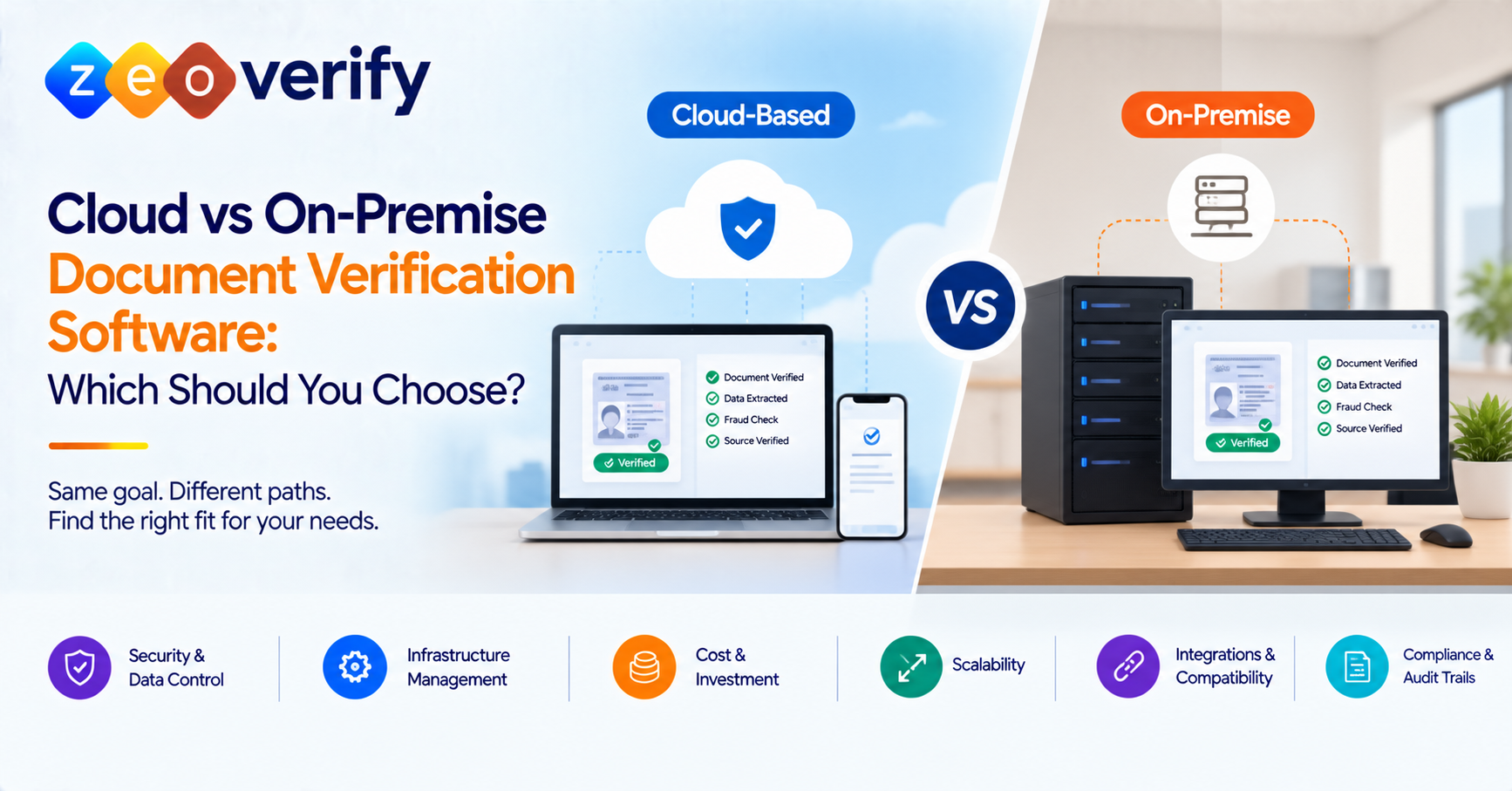
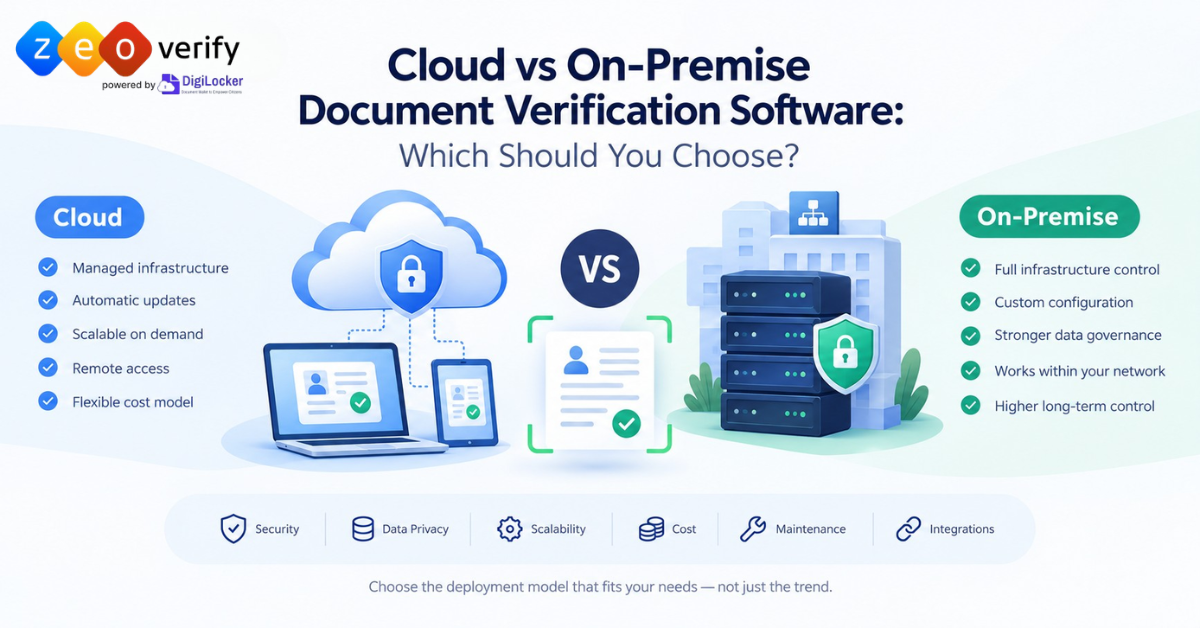
Cloud-based document verification software runs in an environment hosted and managed by a provider. On-premise software runs on infrastructure your organisation or its chosen hosting team manages. The right choice depends on security controls, data handling, infrastructure, maintenance, scalability and total cost. Neither model is better for everyone.
Introduction
When you process academic credentials, identity documents or financial records, where your verification software runs matters a lot. It shapes who manages the infrastructure, who can access the data and how the system is maintained, scaled and secured.
This guide compares cloud vs on-premise document verification software side by side. It covers security, privacy, cost, scalability and suitability. It finishes with a simple framework you can use to choose the right model for your organisation.
What Is Cloud-Based Document Verification Software?
Cloud-based document verification software runs in a hosted environment. Your team reaches it through the provider’s web interface or an integration such as an API.
The provider usually handles tasks like infrastructure provisioning, software updates, availability and backups. Exactly what they take on depends on their service model and your contract. Many cloud services let users work from different locations and scale resources up or down, though these capabilities vary from one provider to the next.
Cloud doesn’t mean hands off. Your organisation still needs to review access controls, data handling, integrations, vendor responsibilities and service continuity.
Example: An admissions team logs into a hosted verification service to check academic records. They never have to run the underlying application infrastructure themselves.
What Is On-Premise Document Verification Software?
On-premise document verification software is installed and run on infrastructure managed by your organisation or a provider you designate. This often gives you more direct control over configuration, network access, deployment schedules and operating policies.
That control comes with work. Your internal team or contracted specialists may need to handle installation, updates, capacity, monitoring, backups, recovery and day-to-day maintenance. These are the core document verification infrastructure requirements to plan for.
How much control you actually have depends on the software licence, the architecture, your support agreement and how responsibilities are split. Some on-premise products still rely on external services for updates or certain checks.
Example: A university runs a verification application inside its own managed environment and connects it to approved internal systems.
Cloud vs On-Premise Document Verification Software: Key Differences
The core difference is where the application runs and who manages the infrastructure behind it. Here is how cloud-based vs on-premise document verification compares across the factors that matter most.
Factor | Cloud-based deployment | On-premise deployment |
|---|---|---|
Infrastructure | Hosted environment managed under the provider’s service model | Managed by your organisation or its designated team |
Initial setup | Less need to provision local application infrastructure | May need installation, infrastructure preparation and integration work |
Maintenance | Many infrastructure tasks are provider-managed, though this varies | More operational responsibility sits with you or your support partner |
Scaling | Capacity can often be adjusted through service options | Scaling may need extra capacity planning and hardware |
Data control | Depends on hosting, contracts, configuration and provider controls | More direct infrastructure control but still needs strong governance |
Security | Depends on provider controls, configuration, access and shared responsibilities | Depends on your infrastructure security, patching, monitoring and practices |
Cost model | Subscription, usage or service-based charges | Infrastructure, licensing, implementation, staffing and maintenance costs |
Integrations | Depends on available APIs and supported connections | Depends on supported interfaces, internal architecture and integration effort |
Treat these as typical patterns rather than fixed rules. A private cloud, a managed hosting setup or a hybrid deployment may look quite different. A hybrid model combines locally run systems with cloud services and can be worth exploring if neither option fits neatly.
Is Cloud-Based Document Verification More Secure Than On-Premise Software?
Neither model is automatically more secure. Security comes down to the controls in place and how well they are run, not the deployment label.
Whichever model you consider, look closely at:
- Encryption in transit and at rest
- Identity and access management, including administrative privileges
- Logging and monitoring
- Patching and vulnerability management
- Backups and incident response
- How the platform handles uploaded documents, extracted data, verification results and logs
For a cloud deployment, ask which controls the provider operates and which stay with you. For an on-premise deployment, find out who manages updates, network boundaries, monitoring and recovery.
NIST guidance on cloud security and privacy makes a useful point here. When data and services are hosted outside your organisation, you still need to assess that specific environment and remain accountable for it.
Owning your infrastructure gives you more direct control but not automatically stronger security. Likewise, cloud hosting doesn’t mean your data is exposed or poorly protected.
How Do Data Privacy, Storage and Data Residency Differ?
The key question is where your documents and related data are stored, processed and kept, and who can reach them. Start by asking where each of these lives:
- Original uploaded files
- Extracted fields and verification results
- Activity logs
- Backups and disaster recovery copies
It also helps to separate four ideas that often get blurred together. Data residency is where data is stored or processed. Data access is who can see it. Data retention is how long it is kept. Data ownership or control is who decides what happens to it.
For cloud deployments, confirm the hosting regions available and the terms covering data transfer, retention and deletion. Ask whether the provider uses subprocessors or outside services and what contractual controls apply.
For on-premise deployments, check whether any data leaves your environment for updates, support, APIs, analytics or external verification sources.
In India, organisations handling personal data should review the Digital Personal Data Protection Act and the DPDP Rules, 2025 published by MeitY, including their commencement timeline. These rules do not require every organisation to choose on-premise hosting. They do require you to understand how personal data is handled.
Which Deployment Model Costs Less?
There is no fixed answer. Comparing a subscription fee with the price of a server misses most of the picture, so look at total cost of ownership instead.
Model | Main cost categories |
|---|---|
Cloud | Subscription or usage charges, integration, configuration, support tiers, data processing and extra service fees |
On-premise | Infrastructure, licensing, implementation, integration, IT staffing, upgrades, monitoring, backup, disaster recovery and ongoing support |
Both | Migration, testing, governance, security reviews, training and process changes |
Compare both options over the same period and at your expected document volumes. Count the internal time needed to run the system as well as direct spending.
Before you decide, ask each vendor for:
- The full pricing model and any usage limits
- Implementation and support fees
- Renewal terms
- Exit or migration costs
How Do Scalability, Maintenance and Integrations Compare?
Document volumes rarely stay flat. Admissions cycles and credential reviews can bring sudden spikes, so your system needs to keep up without slowing down.
Cloud deployment can make some scaling easier, but real capacity and performance depend on the provider’s architecture and your plan. On-premise systems can scale too if you have the resources and design to support it, which may mean buying and configuring more infrastructure.
When comparing document verification software scalability and maintenance, ask:
- How quickly can capacity be increased during peak periods?
- Who handles updates, monitoring, support and disaster recovery?
- Does the system support the integrations you need, including APIs, institutional systems and external verification sources?
- How will changes be tested without disrupting service?
If you want a refresher on the stages your deployment has to support, read our guide to the document verification workflow.
Which Deployment Model Suits Universities and Education-Related Organisations?
Your sector alone won’t decide the best model. What matters is your volume, resources and obligations. Here is what different teams should weigh up.
Organisation | What to assess |
|---|---|
Universities and education institutions | Admissions-cycle volume, existing IT resources, integration needs, institutional policies and document-handling obligations |
Immigration and education consultancies | Operational capacity, access needs, workflow complexity, vendor support and the sensitivity of academic and financial records |
Embassies and compliance-focused teams | Government requirements, procurement standards, data governance, security review and the ability to document decisions |
The same thinking applies to cloud vs on-premise identity verification. Treat these as assessment criteria rather than fixed recommendations.
How to Choose the Right Document Verification Deployment Model
Work through these five steps in order. Each one narrows your options before you move to the next.
- Define your requirements. List the document types, expected volumes, user roles, integrations and review processes you need.
- Check data and governance needs. Identify your legal obligations, hosting requirements, retention rules, access needs and any third-party involvement.
- Assess your technical capacity. Be honest about available IT staff, infrastructure, support, monitoring and recovery capability.
- Compare commercial fit. Look at total cost of ownership, pricing flexibility, implementation effort and exit costs.
- Ask for vendor evidence. Request deployment documentation, security controls, data-flow details, service terms and support commitments.
So when should an organisation choose on-premise verification? Usually when it has specific infrastructure, integration or direct-control requirements and the in-house capacity to support them. Either way, base the decision on documented requirements and vendor evidence rather than assumptions. For a wider view, see how to choose the right document verification software.
How ZeoVerify Fits Into Your Document Verification Evaluation
ZeoVerify is an AI-powered document verification platform built for universities, educational institutions, immigration consultancies, education consultants and embassies.
It combines AI-assisted fraud screening with direct retrieval from DigiLocker-linked original issuing sources. This works where the document and issuer are supported and the required authorisation has been completed.
If you’re weighing deployment options, talk to the ZeoVerify team about your hosting, data-handling and integration requirements. They can walk you through how the platform fits your environment.
Frequently Asked Questions
What is the difference between cloud-based and on-premise document verification software?
The main difference is where the application runs and who manages its infrastructure. Cloud software is hosted by a provider while on-premise software runs in an environment your organisation manages. Exact responsibilities vary by provider and contract.
Is cloud-based document verification secure?
It can be. Security depends on controls, configuration, provider responsibilities and your own practices. Check encryption, access management, logging, monitoring, patching and incident response.
When should an organisation choose on-premise verification?
On-premise may suit organisations with specific infrastructure, integration or direct-control needs. It works best when they have the resources to manage the ongoing operational work.
Is cloud-based document verification cheaper?
Not always. Costs depend on service pricing, usage, infrastructure, staffing, maintenance, implementation and the period you compare over.
What is document verification data residency?
It is the location where your verification data is stored or processed. Residency needs should be checked against your legal obligations and the vendor’s arrangements.
Which deployment model is best for universities?
There is no single answer. Universities should weigh admissions volumes, IT capacity, data policies, integrations, support and procurement rules.
Conclusion
The cloud vs on-premise decision isn’t about which model is better in general. It is about which one meets your documented needs for security, data handling, infrastructure, cost, support and scale. Compare vendor evidence and service terms carefully before you commit.
Ready to explore your options? Get in touch with ZeoVerify to discuss your verification and deployment requirements. For a broader overview, read our complete guide to document verification software.